Running the Code
Colab Notebook Code Blocks
In order to run the code in the cloud using Colab, you’ll need to first connect to a runtime. You can connect by either (1) clicking the  button in the upper right or (2) trying to run any cell by clicking the
  button alongside it:


Once the green checkmark appears  , the code blocks can be executed or pressing SHIFT+ENTER.
Note
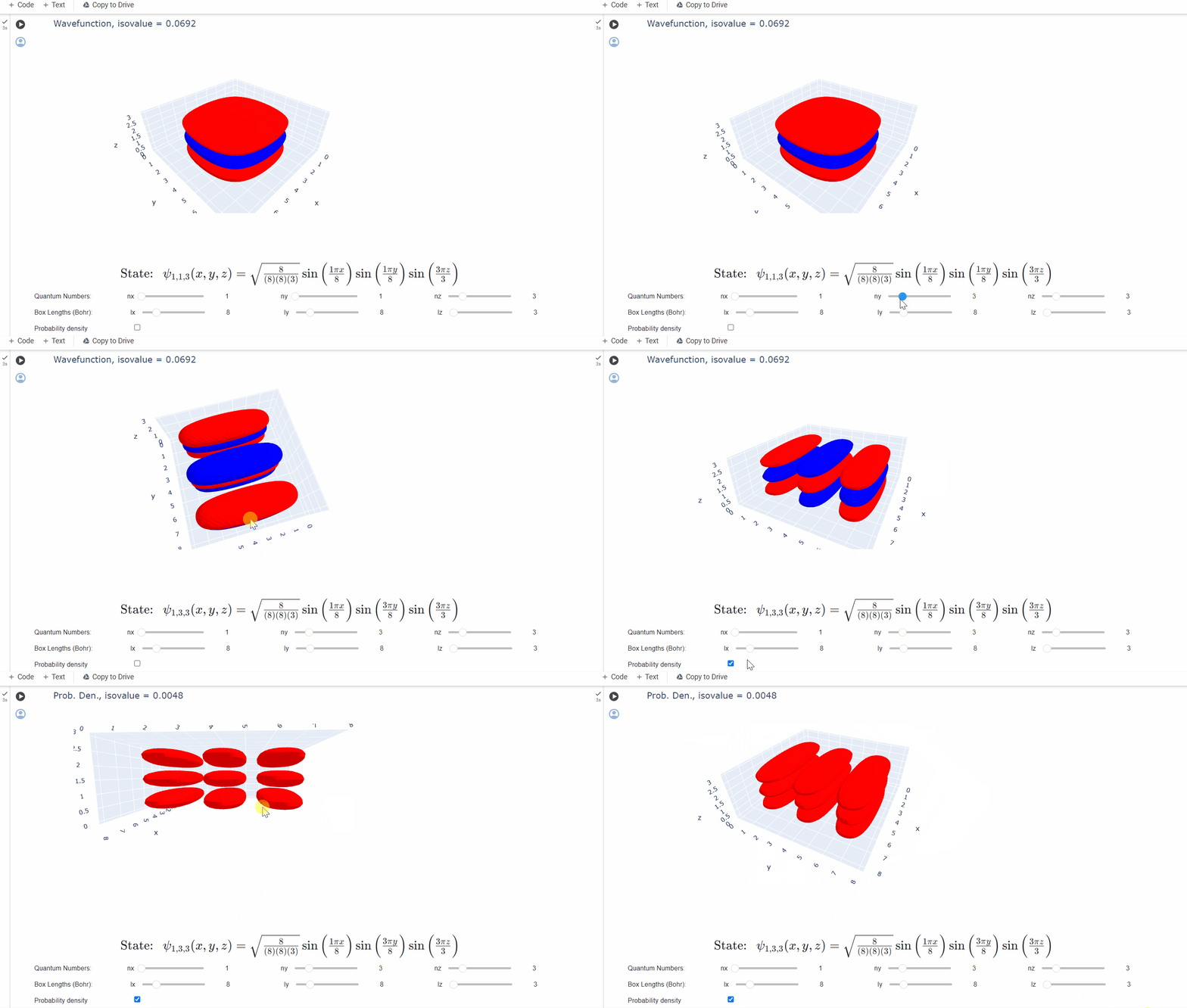
The GUI widgets become active only after executing the cell.
Viewing the Code
If you would like to view the source code, click the  button near the top of any cell to reveal the Python code behind each animation:

Saving Changes
Keep in mind that any cloud files created or changes made to the source code are lost when the runtime is disconnected. If you would like save your work, save a copy to your Google Drive account with the  button on the top menu (alternatively File -> Save a copy in Drive).
